
Tag: Walkthrough
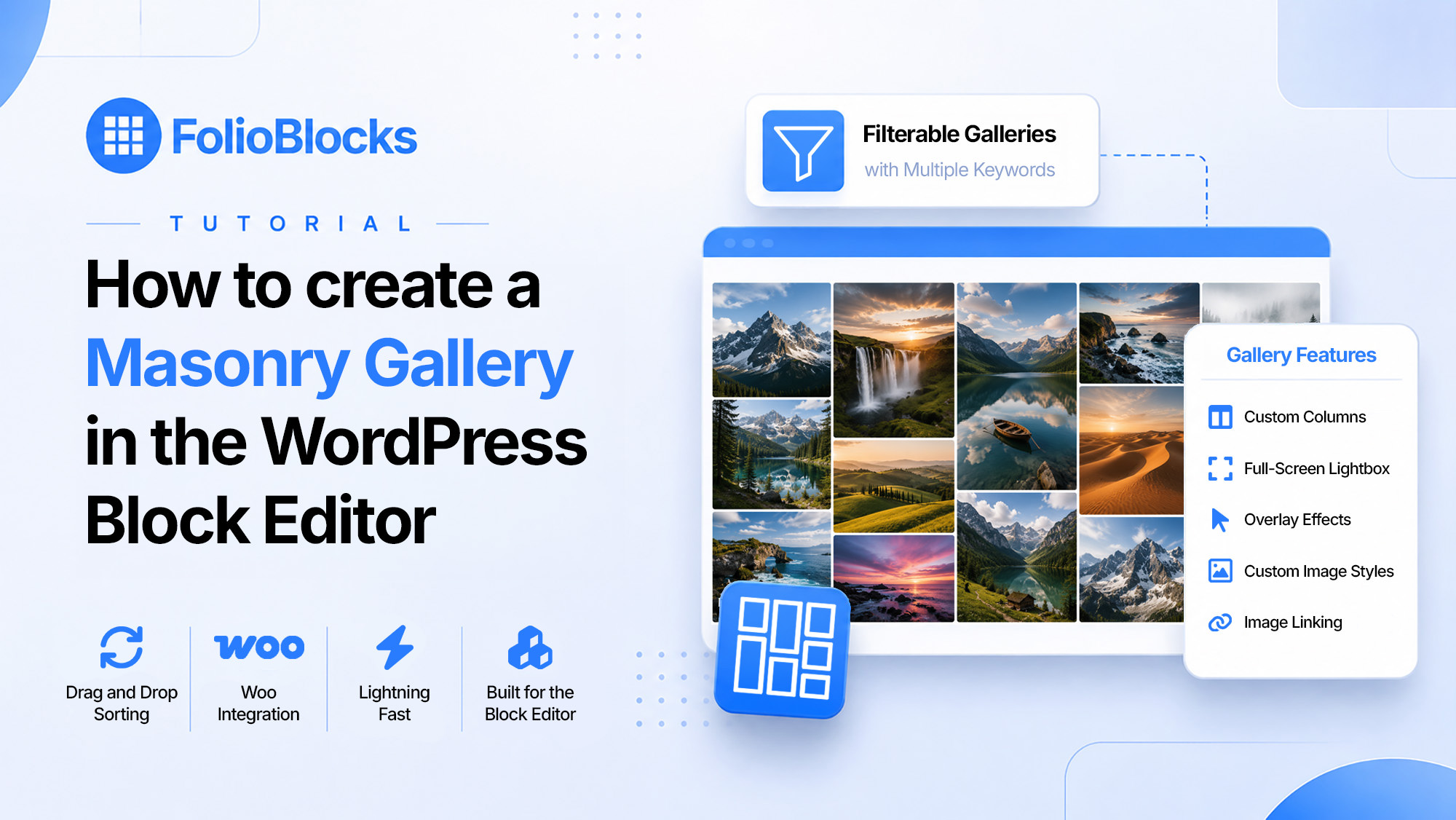
How to Create a Masonry Gallery in the WordPress Block Editor (Gutenberg)
Design beautiful masonry galleries for your photographs with Lightbox, filters, and downloads in the WordPress Block Editor using FolioBlocks.
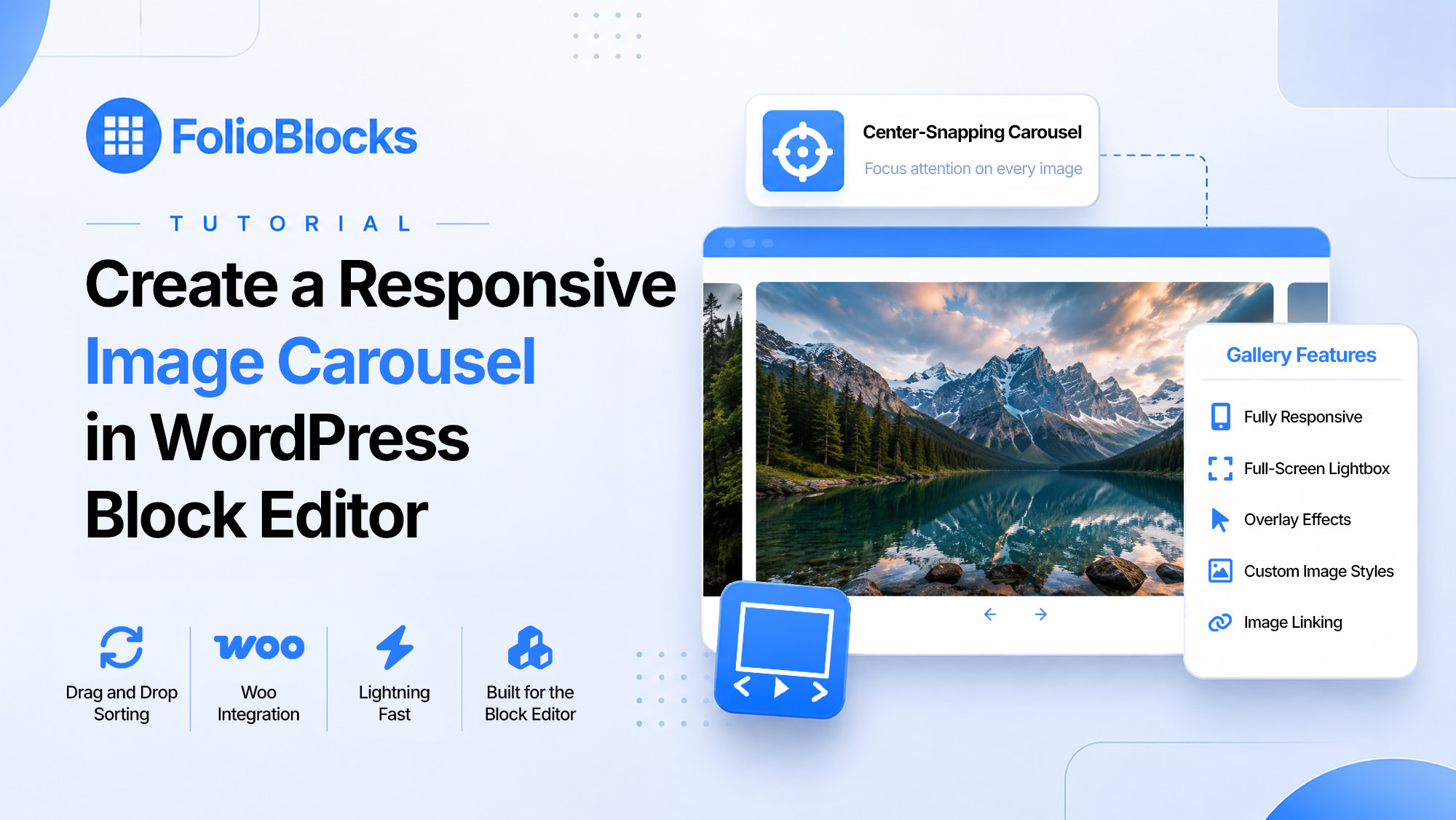
Create a Responsive Image Carousel in WordPress
Create beautiful, responsive image carousels in the WordPress Block Editor using FolioBlocks. Fast, smooth, and easy to customize.
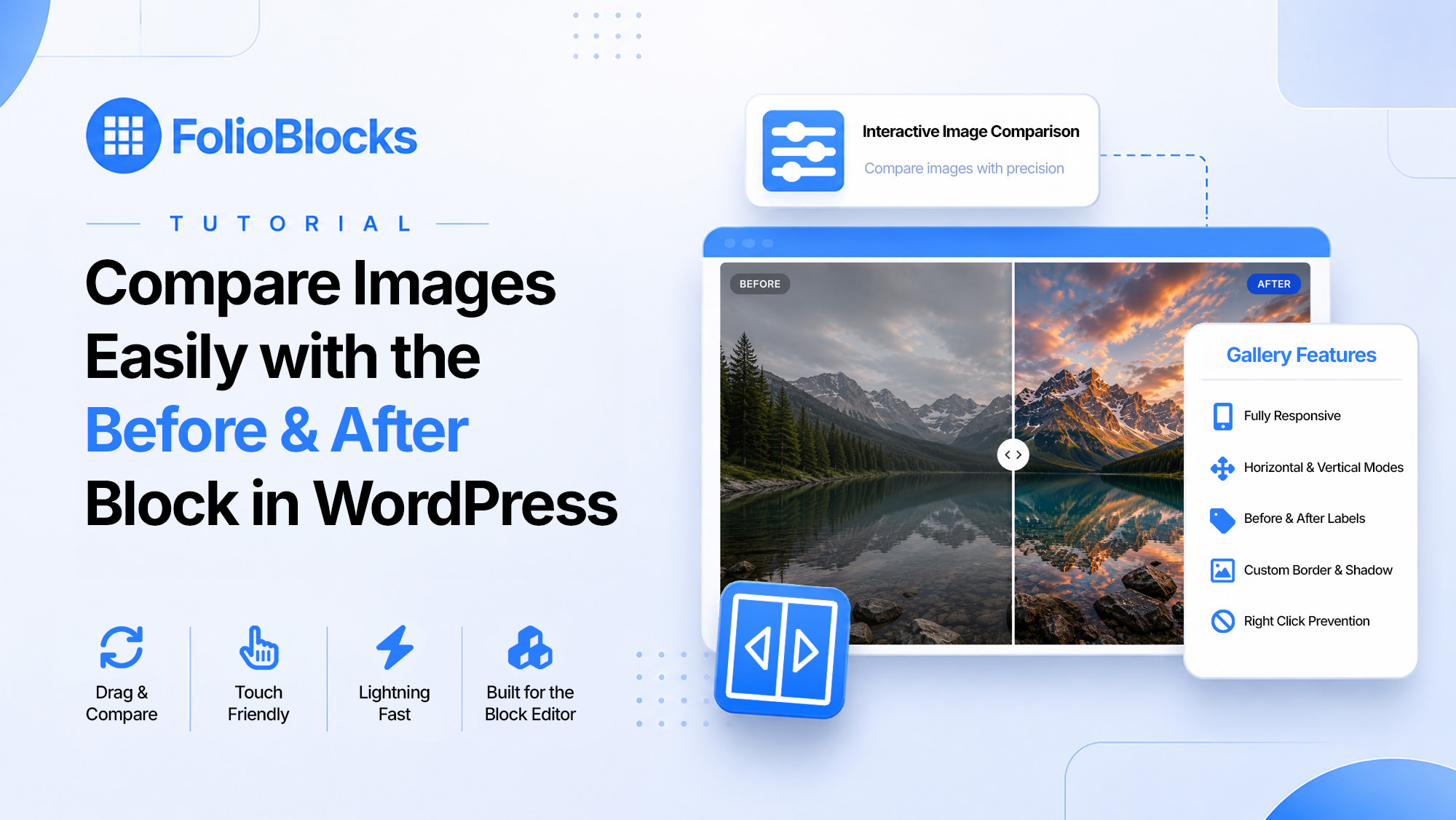
Compare Images Easily with the Before & After Block in WordPress
Compare images interactively with the Before & After Block in WordPress. Create beautiful sliders in the Block Editor using FolioBlocks.
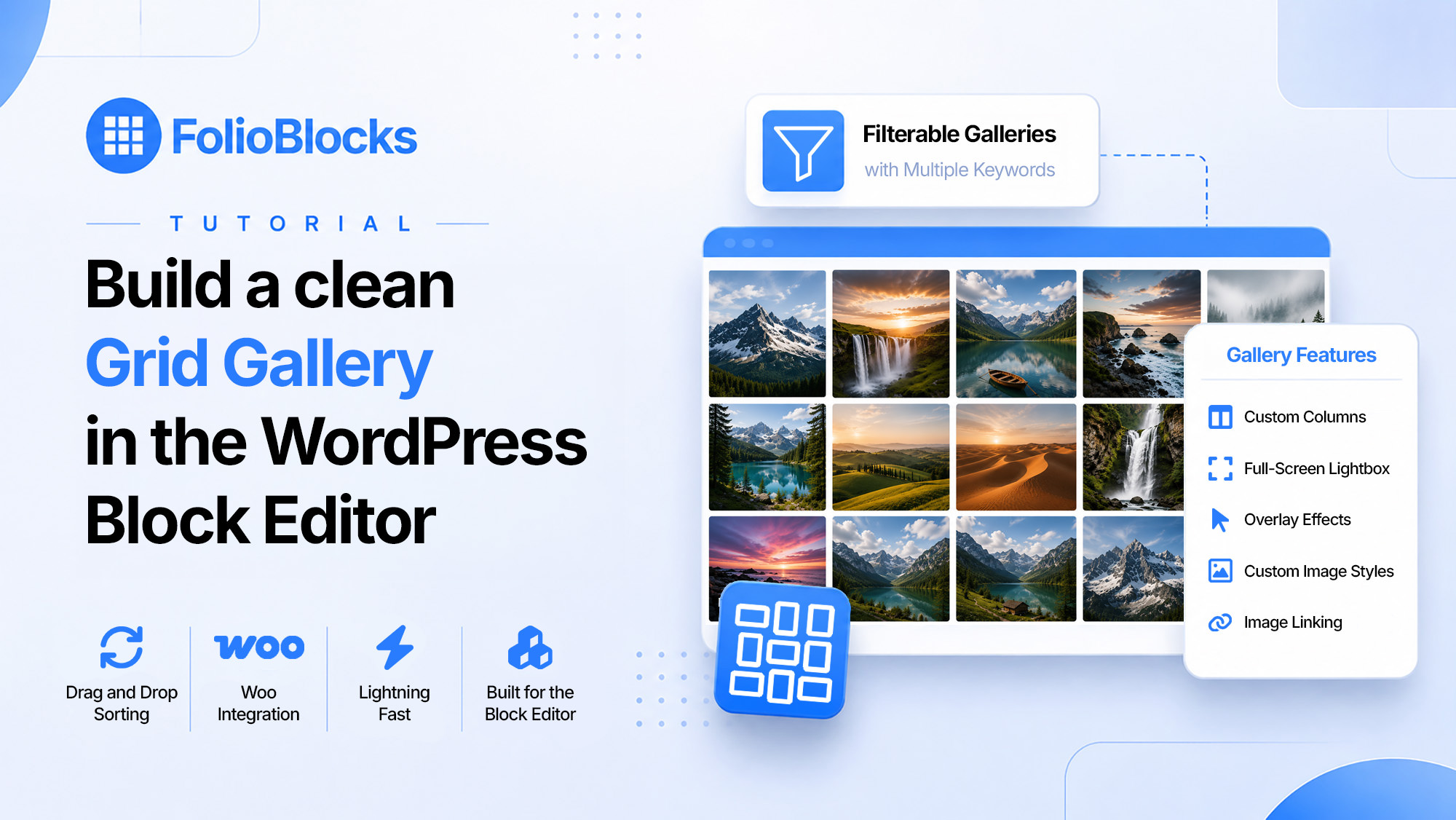
Build a Clean Grid Gallery in the WordPress Block Editor
Build beautiful image grids in WordPress with the Grid Gallery Block from FolioBlocks. Perfect for photographers, designers, and creatives.
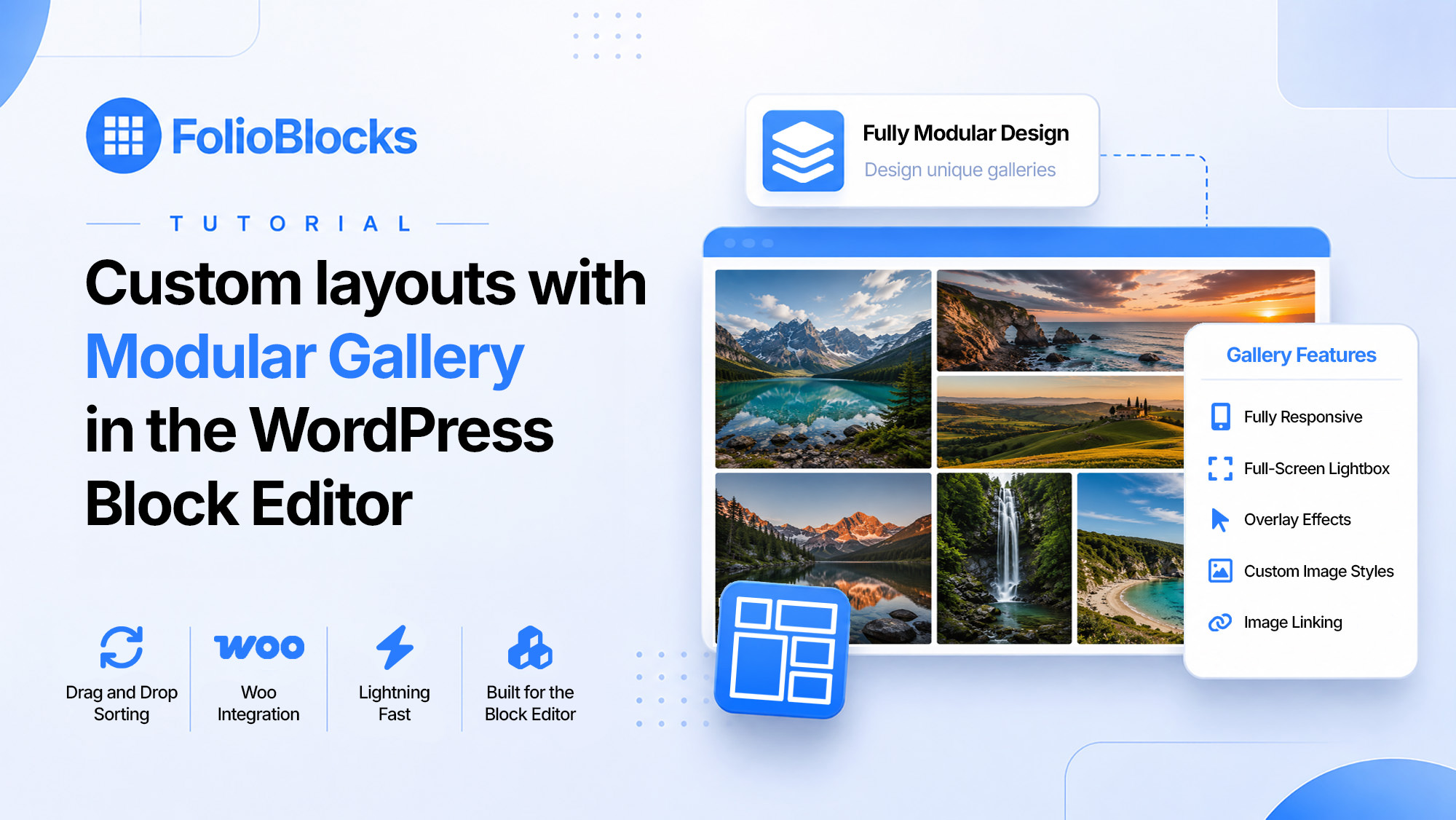
Custom layouts with Modular Gallery in the WordPress Block Editor
Create professional, magazine-style photo layouts in the WordPress Block Editor with the Modular Gallery Block from FolioBlocks Pro.
Categories
- News (11)
- Tutorials & Guides (14)
- Block Guides (13)
- Workflows (1)
Post Tags
- Background Video Block (2)
- Before & After Block (1)
- Beta (1)
- Block Patterns (1)
- Block Styles (1)
- Block Transforms (1)
- Carousel Gallery Block (2)
- EXIF Data (1)
- Filmstrip Gallery Block (3)
- Filter Bar Styles (1)
- Gallery Click Settings (3)
- Gallery Hover Settings (5)
- Gallery Presets (1)
- Global Settings (3)
- Grid Gallery Block (1)
- Image Block (8)
- Justified Gallery Block (1)
- Lightbox (3)
- Livid (1)
- Loupe Block (1)
- Masonry Gallery Block (1)
- Meta-Data Sync (1)
- Modular Gallery Block (2)
- Multi-Category Filtering (1)
- Multilingual Support (1)
- New Release (7)
- Page-Level Controls (1)
- Password Protection (1)
- Proofing Gallery Block (4)
- Roadmap (2)
- Social Media Sharing (1)
- Video Block (5)
- Video Gallery Block (3)
- Walkthrough (14)
- Watermark Overlays (1)
- Woo Integration (1)
- YouTube (1)