
Tag: Walkthrough
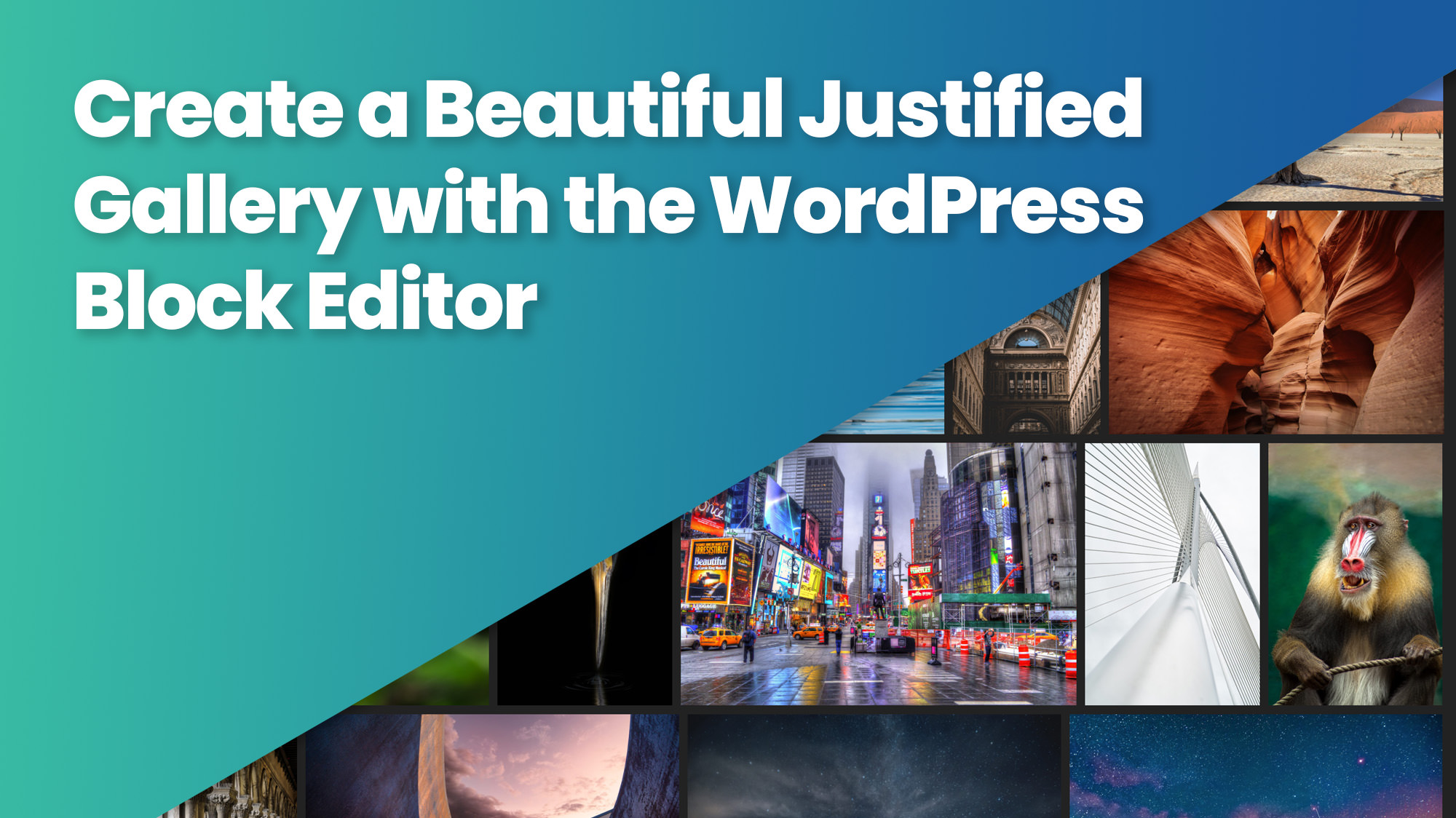
Create a Beautiful Justified Gallery with the Block Editor
Create a beautiful justified gallery in the WordPress Block Editor (Gutenberg) with FolioBlocks. Responsive, balanced, and easy to customize.
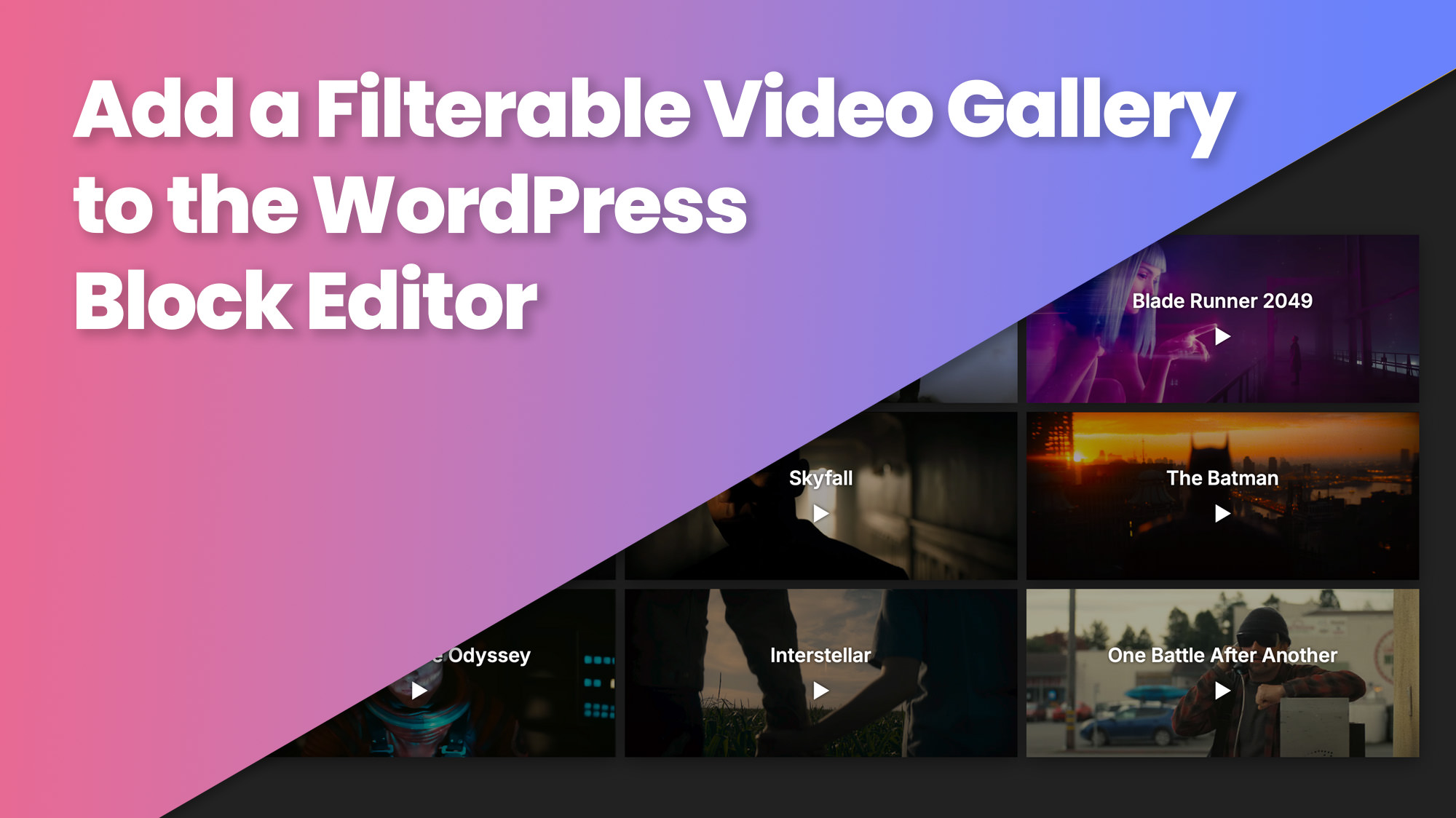
Add a Filterable Video Gallery to the WordPress Block Editor
Add a filterable video gallery to the WordPress Block Editor (Gutenberg) with FolioBlocks. Supports YouTube, Vimeo, and self-hosted videos.
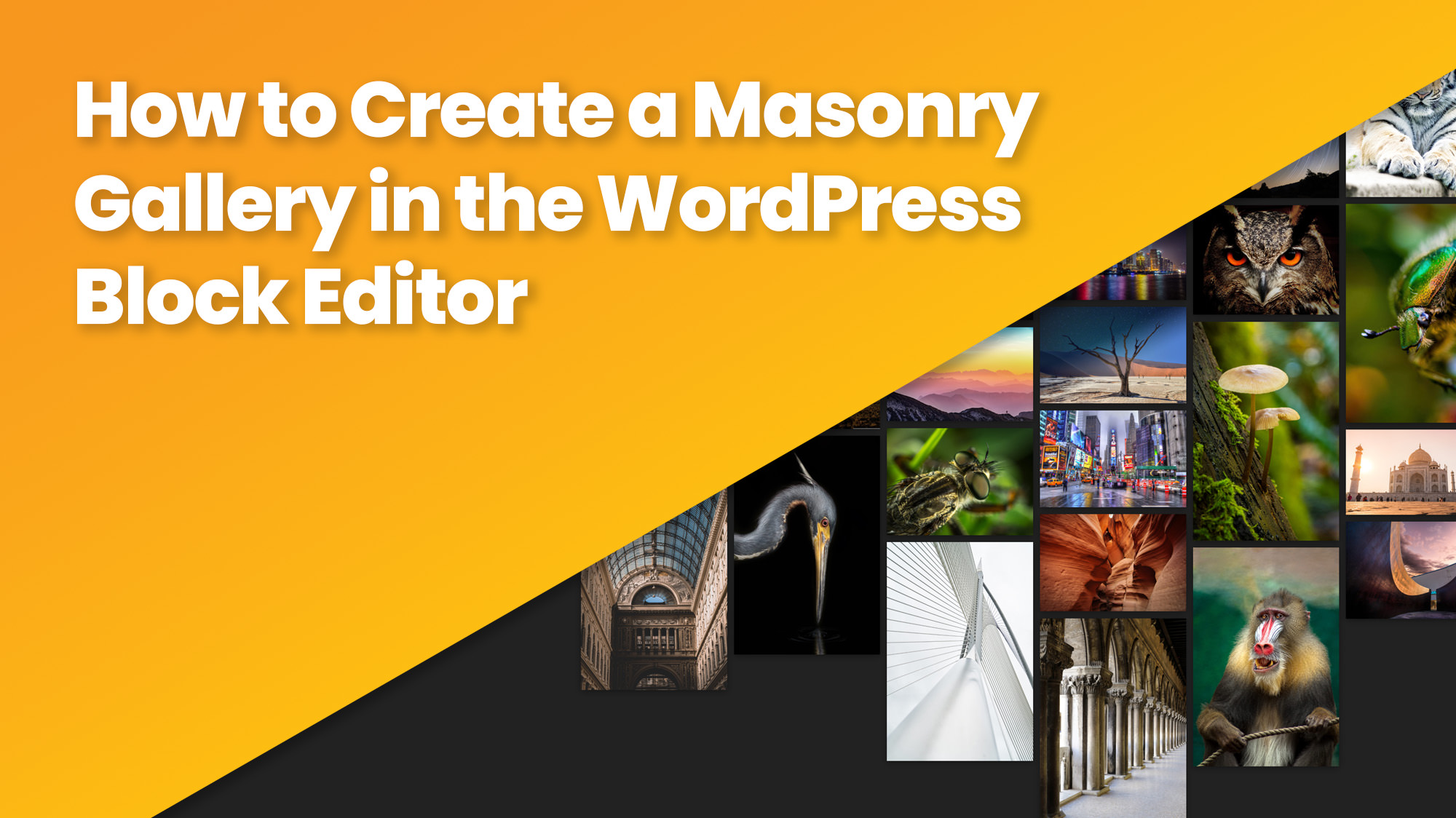
How to Create a Masonry Gallery in the WordPress Block Editor (Gutenberg)
Design beautiful masonry galleries for your photographs with Lightbox, filters, and downloads in the WordPress Block Editor using FolioBlocks.

Create a Responsive Image Carousel in WordPress
Create beautiful, responsive image carousels in the WordPress Block Editor using FolioBlocks. Fast, smooth, and easy to customize.

Compare Images Easily with the Before & After Block in WordPress
Compare images interactively with the Before & After Block in WordPress. Create beautiful sliders in the Block Editor using FolioBlocks.
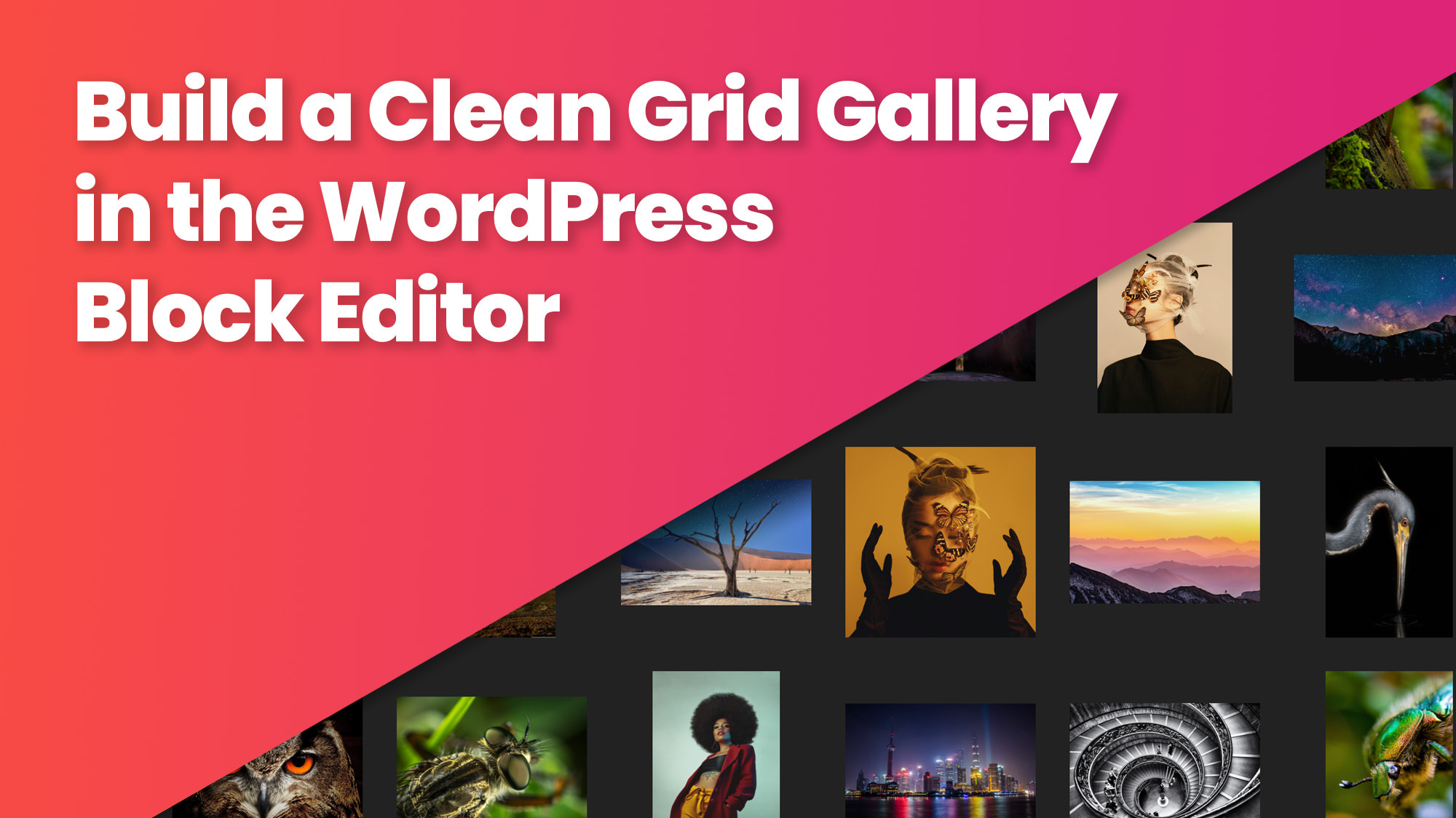
Build a Clean Grid Gallery in the WordPress Block Editor
Build beautiful image grids in WordPress with the Grid Gallery Block from FolioBlocks. Perfect for photographers, designers, and creatives.