

Today we are releasing FolioBlocks 1.5.1 with three useful additions: real-time Proofing Gallery activity in the WordPress admin bar, global defaults for Page/Post media settings, and Livid support for Pro video blocks. The release also includes several responsive styling improvements and miscellaneous fixes.
Proofing Admin Bar Component
The new Proofing Admin Bar Component lets you see in real time when clients are interacting with any proofing galleries published on your website.
To activate the component, go to the Global Settings page. In the Proofing Gallery section, make sure that “Show Proofing Status Component in the Admin Bar” is checked.
Once enabled, the component will appear in the WordPress admin bar and provide a real-time indication whenever a client is interacting with one of your proofing galleries.
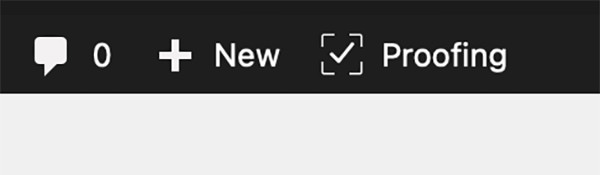
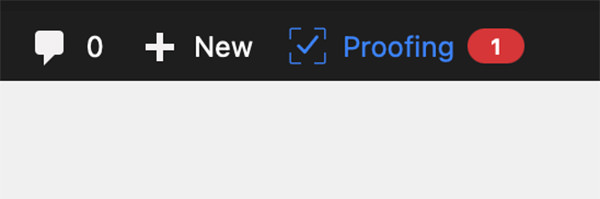
The images above show the admin bar component in its two states. On the left, no proofing activity is taking place. On the right, a client is currently viewing and interacting with a proofing gallery.
Below, you can see the panel that opens when you click the admin bar component.
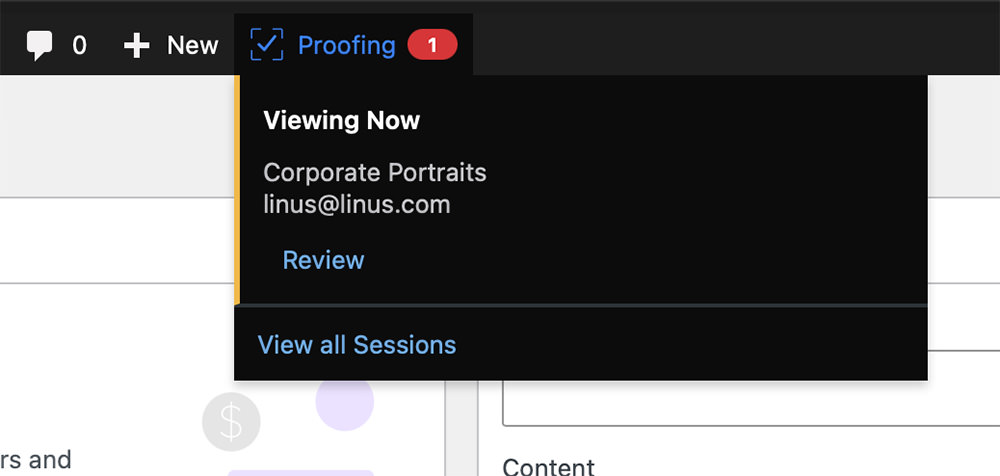
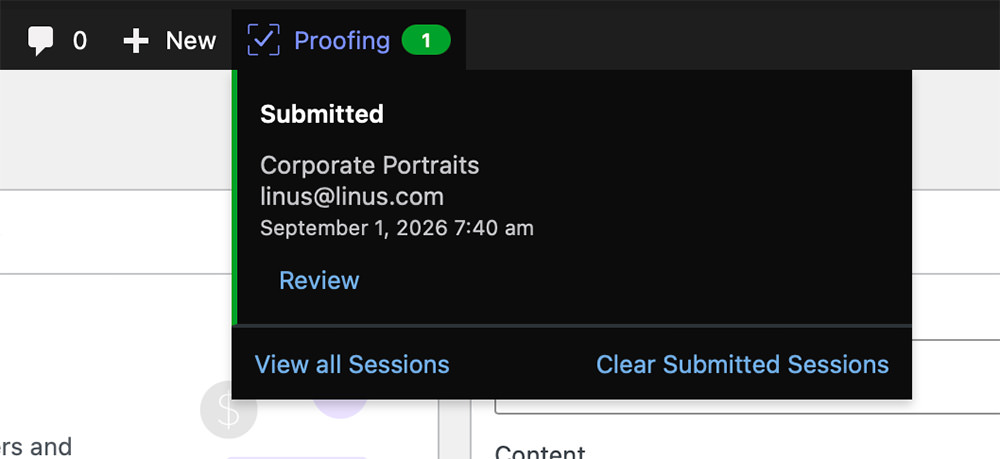
In the image on the left, a client is interacting with a gallery called “Corporate Portraits.” In the image on the right, the client has completed their submission.
That’s the new admin bar component for the Proofing Gallery Block. It’s a useful little addition that immediately lets you know when a client is interacting with a gallery you prepared for them, regardless of where you are currently working on your website.
Page/Post Settings Now Available in Global Settings
In FolioBlocks 1.5.1, we have also added defaults for the Page/Post Settings panel to the Global Settings page. This allows you to define the starting behavior for Lazy Load Images, Disable Right-Click, and Disable Drag To Save.
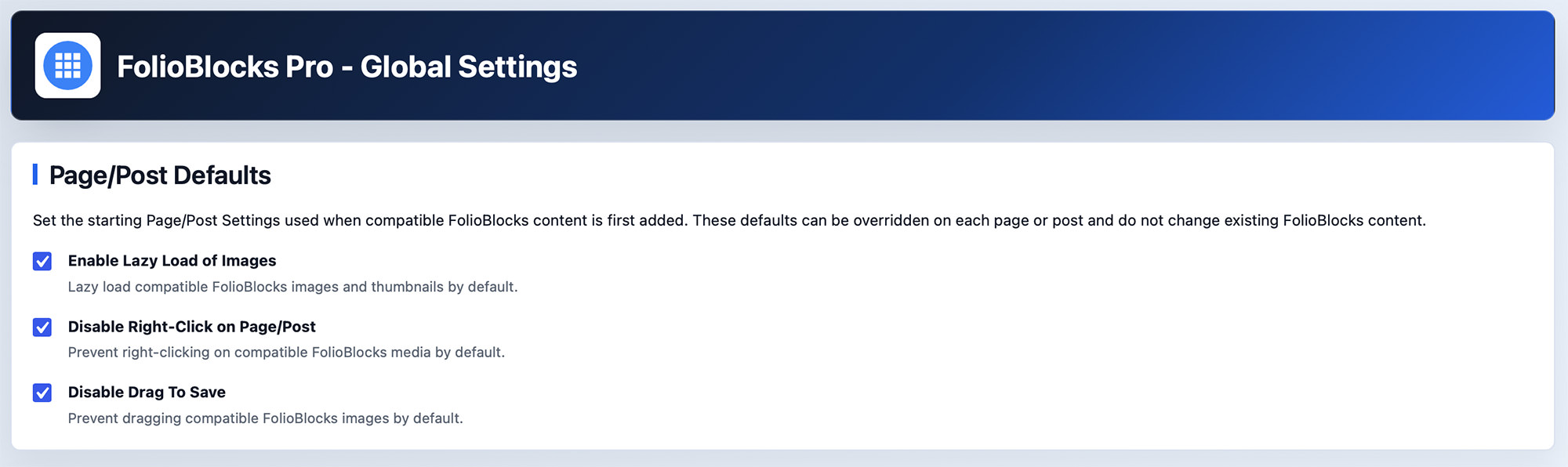
Enabling these options in Global Settings will not affect existing FolioBlocks content. Instead, they will be used as the starting Page/Post Settings when compatible FolioBlocks content is first added.
You can, of course, override these defaults using the FolioBlocks Page/Post Settings panel on the individual page or post you are working on.
Livid support in Video Block & Video Gallery Block
FolioBlocks 1.5.1 adds Livid support to the Video Block and Video Gallery Block for FolioBlocks Pro users.
Livid positions itself as a more affordable, feature-rich alternative to Vimeo. If you already host videos on Livid—or are considering moving there—you can now use those videos directly in FolioBlocks.
Simply paste a Livid watch or embed URL into either block. FolioBlocks will recognize the video and handle the embed automatically, just as it does with our other supported video providers.
Other 1.5.1 Changes
The remaining changes in version 1.5.1 consist of several smaller improvements and fixes.
We have improved the responsive styling of the Proofing Sessions pages in the WordPress dashboard so that they work well across different screen sizes. We have also refined the responsive styling of other FolioBlocks-related admin pages.
Finally, we fixed a bug affecting Proofing Galleries using the Masonry layout. Previously, images did not always reflow correctly after the gallery was filtered. This has now been resolved in FolioBlocks 1.5.1.
What’s Next
We originally planned to share an updated FolioBlocks roadmap alongside this release, outlining some of what we are working toward over the next six months.
Rather than rush it into this post, we have decided to give the roadmap its own update. We will share more soon about what is coming next for FolioBlocks.
For now, we hope the new Proofing Gallery activity indicator, global Page/Post defaults, and Livid support make FolioBlocks even more useful in your day-to-day work.
Unlock More With FolioBlocks Pro
Build more distinctive galleries with advanced Lightboxes, per-image controls, filtering, WooCommerce integration, custom hover effects, and powerful workflow tools.
Upgrade to FolioBlocks Pro and take complete control of how your images and videos look, behave, and connect with visitors.