
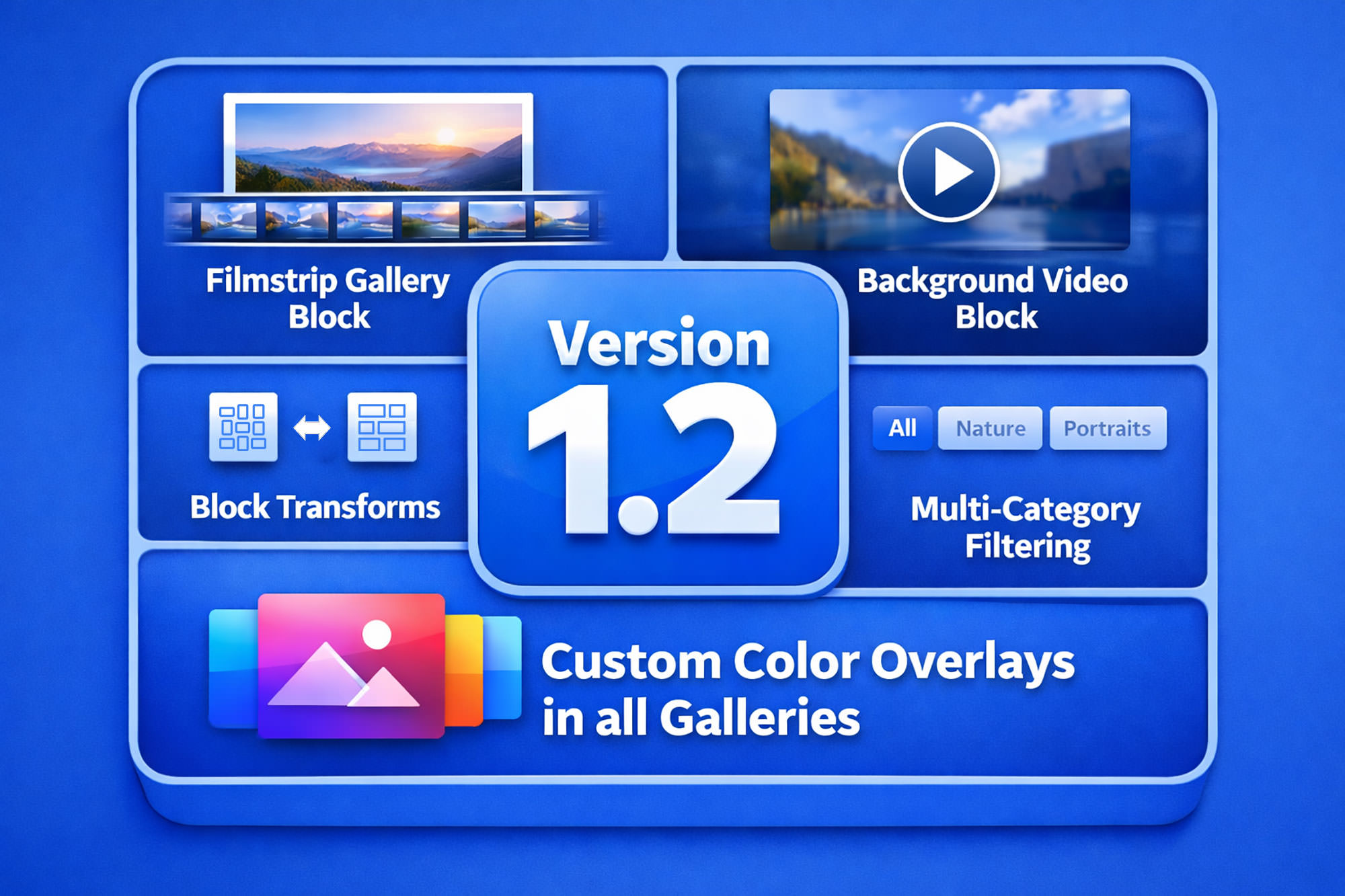
FolioBlocks 1.2 is one of our biggest releases yet.
This version introduces two brand-new blocks — the Filmstrip Gallery Block and the Background Video Block — along with powerful Block Transforms, improved multi-category filtering, new overlay styles, and expanded customization across the system.
If you build professional portfolios, media-heavy websites, or WooCommerce-powered galleries, version 1.2 gives you more control, more flexibility, and a more refined presentation.
Let’s dive in.
Table of Contents
🎞 Introducing the All-New Filmstrip Gallery Block
The headline feature in version 1.2 is the Filmstrip Gallery Block.
Designed for photographers and visual storytellers, the Filmstrip layout presents large images with thumbnail navigation below — combining clarity, focus, and elegant browsing.
Key Features
- Fully responsive layout
- Three different layout styles
- Light and Dark mode options
- Autoplay support
- Full-Screen mode
- Optional image title overlay on hover
- WooCommerce integration
- Optional image downloads
- Custom lazy loading
- Disable right-click option








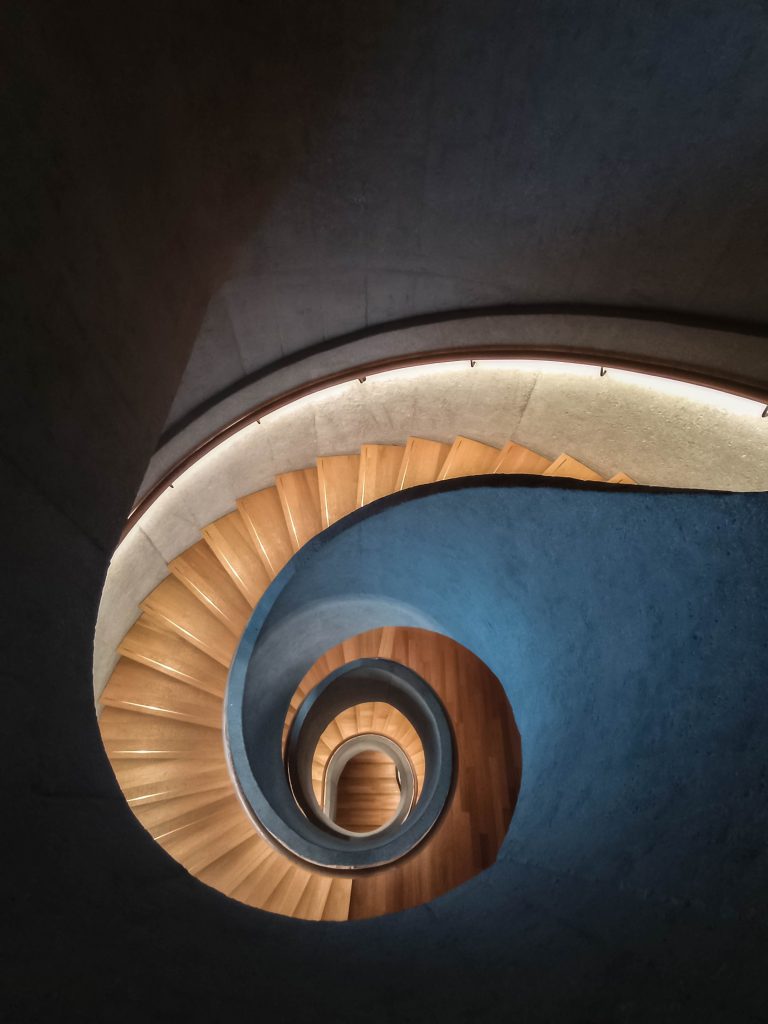









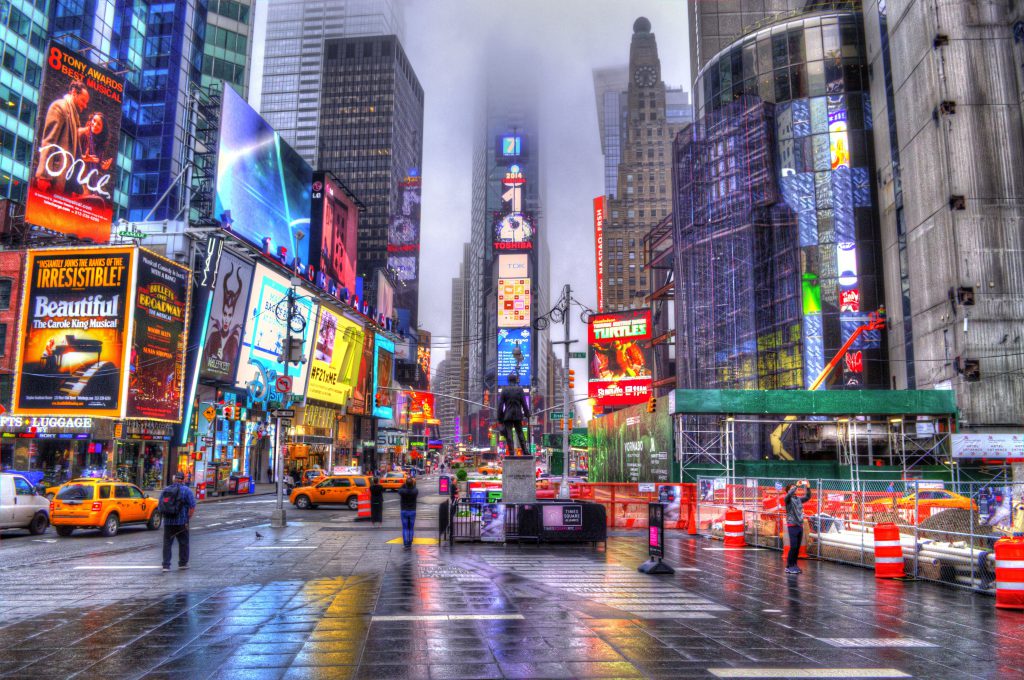





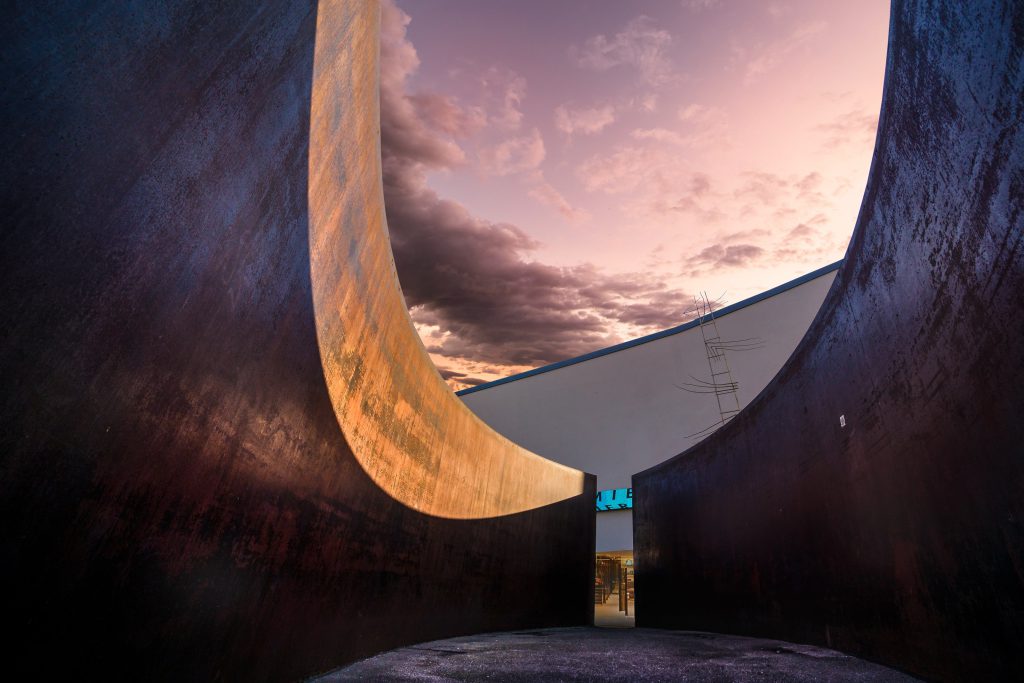


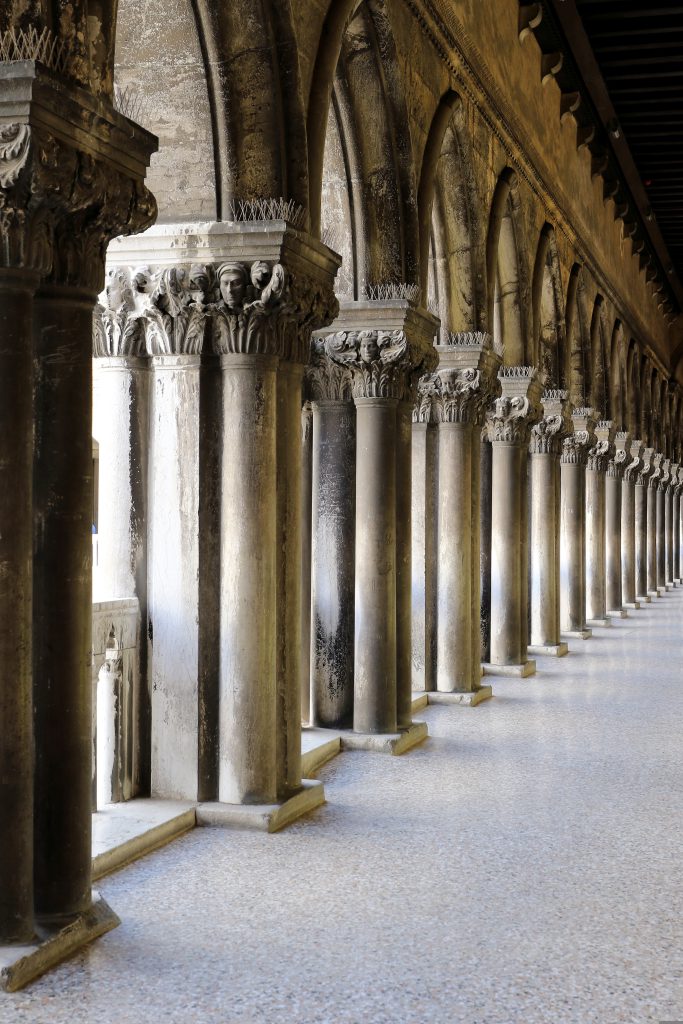
This block is ideal for clean, editorial-style presentation where each image deserves attention while still allowing smooth navigation.
🎬 Introducing the Background Video Block
Also new in Version 1.2 is the Background Video Block.
You can now set a self-hosted or Vimeo video as a background and build any WordPress blocks on top of it — perfect for modern hero sections and immersive landing pages.
Key Features
- Self-hosted or Vimeo video support
- Fully responsive design
- Custom heights for desktop, tablet, and mobile
- Adjustable focal points per device
- Ability to Loop Video
- Option to disable playback on mobile
- Custom overlay support
- Fallback poster Image option
- Disable right-click option
- Build on top with any available block
This block gives you full creative control while maintaining performance and responsiveness.
🎨 New Custom Color Overlay for All Major Galleries
We’ve added a new Custom Color Overlay option to:
- Carousel Gallery
- Grid Gallery
- Justified Gallery
- Masonry Gallery
- Modular Gallery
You now have full control over overlay color and text color, making it easier to match brand identity or create mood-driven designs.
Hover over the image to see the new Color Overlay set to match our blue branding color.
🔄 Block Transforms — Convert Galleries in One Click
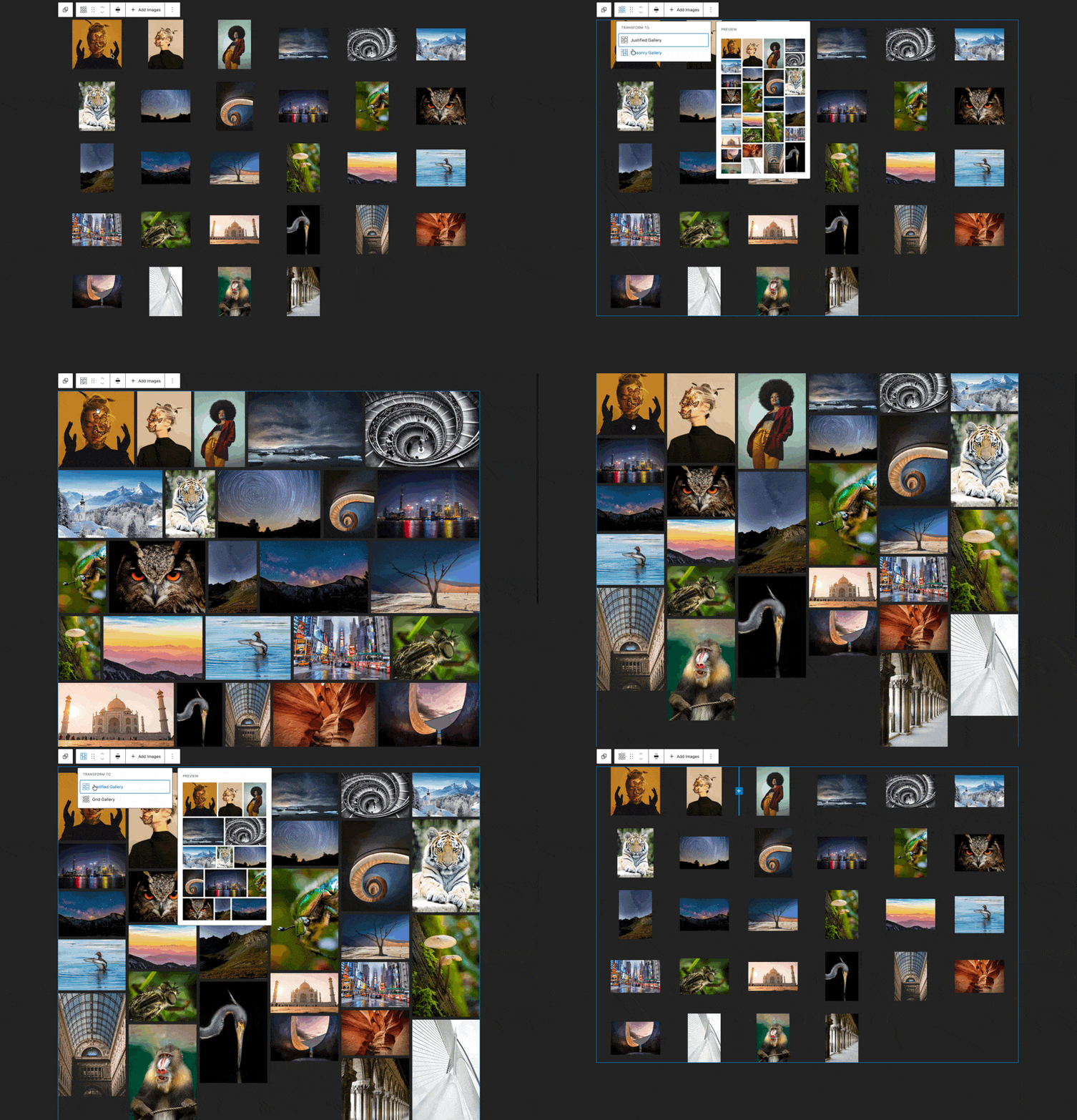
Version 1.2 introduces Block Transforms between gallery types. You can now instantly convert:
- Grid ↔ Justified ↔ Masonry
- Carousel ↔ Filmstrip
This makes experimentation effortless. Try different layouts without rebuilding your gallery from scratch.
Design flexibility just became dramatically easier.
🎥 Video Blocks: New Overlay Styles
Both the Video Block and Video Gallery Block have been updated to now support custom overlay styles:
- Default
- Blur
- Color Overlay
More styles are planned for future releases, but this already gives you improved design consistency and creative control.

🗂 Multi-Category Support for Filtering
Gallery filtering just became significantly more powerful. All galleries that support filtering (Grid, Justified, Masonry, and Video Gallery) now allow multiple categories per image or video.
This enables more complex content structures — especially useful for large portfolios, agencies, and WooCommerce integrations.
Updated Tutorials for Version 1.2
To make the upgrade even smoother, all official FolioBlocks tutorials have been fully updated for Version 1.2.
Every guide now reflects the latest interface, controls, Block Transforms, and Filmstrip Gallery workflow — so you can follow along without confusion.
Whether you’re building image galleries, video galleries, or advanced layouts, the documentation is ready for you.
Explore the updated guides:
- Create a Beautiful Justified Gallery with the Block Editor
https://folioblocks.com/blog/create-justified-gallery-with-gutenberg/ - Add a Filterable Video Gallery to the WordPress Block Editor
https://folioblocks.com/blog/add-video-gallery-to-block-editor/ - How to Create a Masonry Gallery in the WordPress Block Editor (Gutenberg)
https://folioblocks.com/blog/create-masonry-gallery-block-editor/ - Create a Responsive Image Carousel in WordPress
https://folioblocks.com/blog/create-image-carousel-in-wordpress/ - Compare Images Easily with the Before & After Block in WordPress
https://folioblocks.com/blog/compare-images-before-after-block/ - Build a Clean Grid Gallery in the WordPress Block Editor
https://folioblocks.com/blog/build-grid-gallery-wordpress-blockeditor/ - Modular Gallery Block for WordPress: Professional Photo Layouts Made Easy
https://folioblocks.com/blog/modular-gallery-block-for-wordpress/
If you’re new to FolioBlocks, these tutorials are the fastest way to see what’s possible. If you’re upgrading, they’ll help you unlock everything Version 1.2 introduces.
Performance & Professional Focus
As always, FolioBlocks is built with a focus on clean block-based structure, native WordPress integration, WooCommerce compatibility, native Responsive controls, and professional performance.
Version 1.2 is another major step toward making FolioBlocks the most flexible gallery system available for WordPress.
Ready to Upgrade?
If you’re already using FolioBlocks, update to Version 1.2 today and explore the new Filmstrip Gallery and Block Transforms.
If you haven’t tried FolioBlocks yet, now is the perfect time.
Beautiful galleries. Built for professionals.