
FolioBlocks 1.0.6 is now available for download, and it’s a substantial update with several important new features and improvements across the plugin.
Image Block & Video Block Are Now Standalone
The biggest change in this release is that the Image Block and Video Block — which power all FolioBlocks photo and video galleries — are now available as standalone blocks.
Originally, these blocks were intentionally limited to gallery use. The idea was that WordPress’ core Image and Video blocks were more than sufficient when you only needed to display a single image or video.
However, after spending more time with FolioBlocks in real-world projects, it became clear that our custom blocks had grown far beyond that use case. Features like WooCommerce integration, image downloads, hover effects, and lightbox controls made them just as valuable on their own as they are inside galleries.
As of Version 1.0.6, both blocks are fully “set free.”
All features available inside galleries also work when the blocks are used individually — no compromises.
New Hover Styles Available
The Image Block now includes multiple hover styles, available both in galleries and when used on its own. You can choose between the original blur overlay, a fade overlay, a bottom of the image gradient overlay, and a chip-style overlay in the top-left corner of the image.
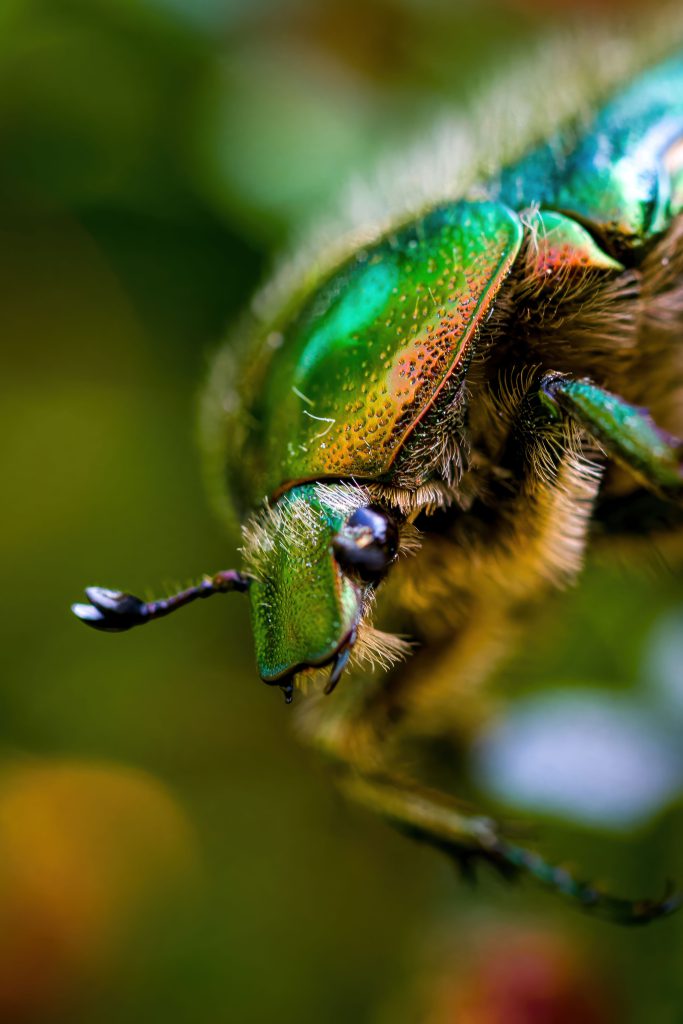
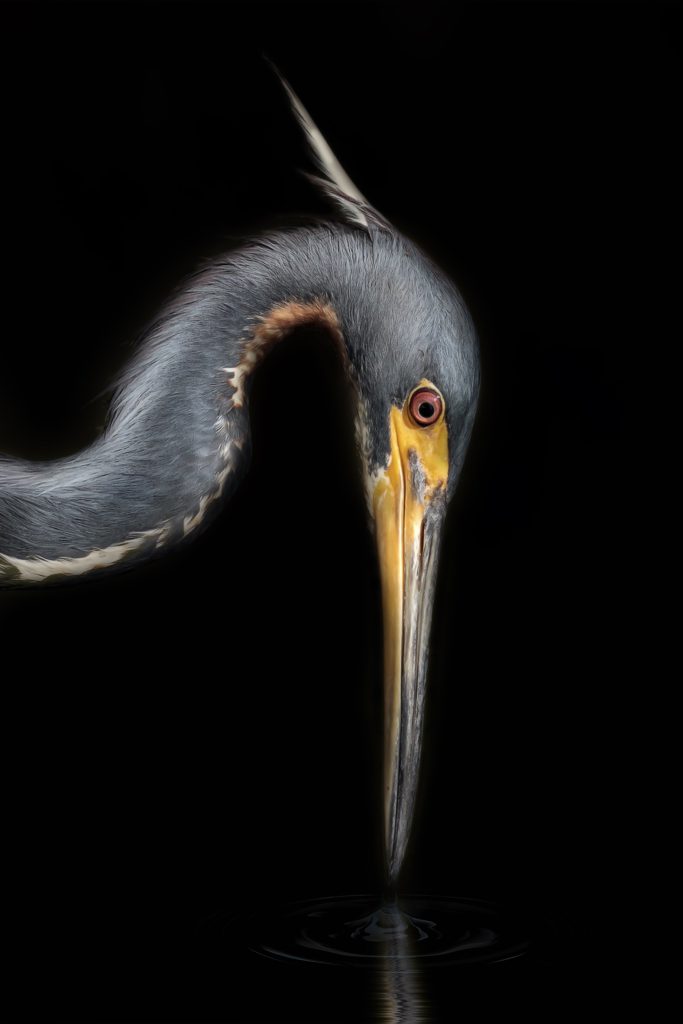


The best part is that this new overlay system is designed to be easily extended, making it simple to add more styles in future updates.
Updated Block Settings Layout
This release also reorganizes how settings are structured across all blocks.
All blocks now follow a consistent and clearer layout:
- General Block Settings
- Lightbox & Hover Settings
- Gallery Filtering Settings (where supported)
- E-Commerce Settings (Image Downloads & WooCommerce Integration)
- Advanced Settings (Disable Right-Click & Lazy Load)
The goal was to reduce clutter and make related options easier to find. The Styles panel remains unchanged.
Improved Drag & Drop in Galleries
Making the Image and Video blocks standalone has also improved how images can be rearranged inside galleries.
You can now drag images directly in the main editor canvas, and the gallery layout will immediately recompose itself. Using the List View is no longer required for most reordering tasks.
The Masonry Gallery can still be a little tricky due to the nature of the layout. This may improve in the future if and when the CSS Grid Masonry specification is finalized and supported across browsers.
Other Fixes & What’s Up Ahead
Version 1.0.6 also includes a number of bug fixes, including improvements to: the Before & After Block, the Justified Gallery Block, Blur Overlay issues in Safari, and more.
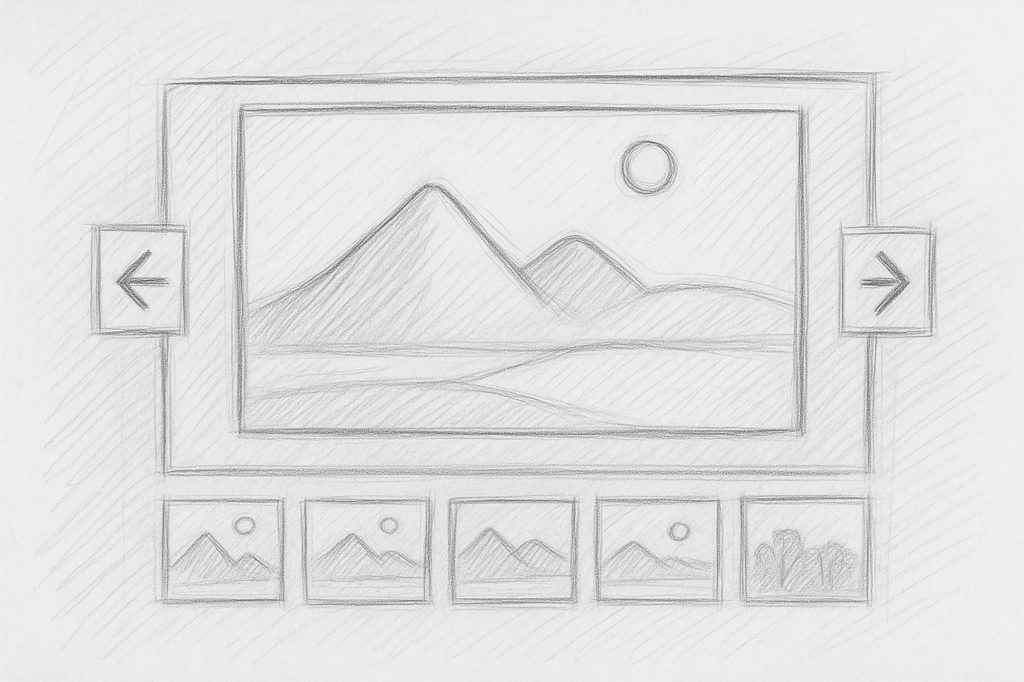
With this release out the door, focus now shifts to the Filmstrip Gallery Block. FolioBlocks already offers many layouts for displaying multiple images at once, but only one designed for showcasing a single image at a time. The Filmstrip Gallery will fill that gap and is planned for early 2026.